
Built for professionals & teams who design the world.
Stop discovering problems in the field. Get faster site context with Plex-Earth.
Civil Engineering
See the site as it actually is, pick better alignments, avoid surprises, and move from concept to constructible design faster.

Solar Energy
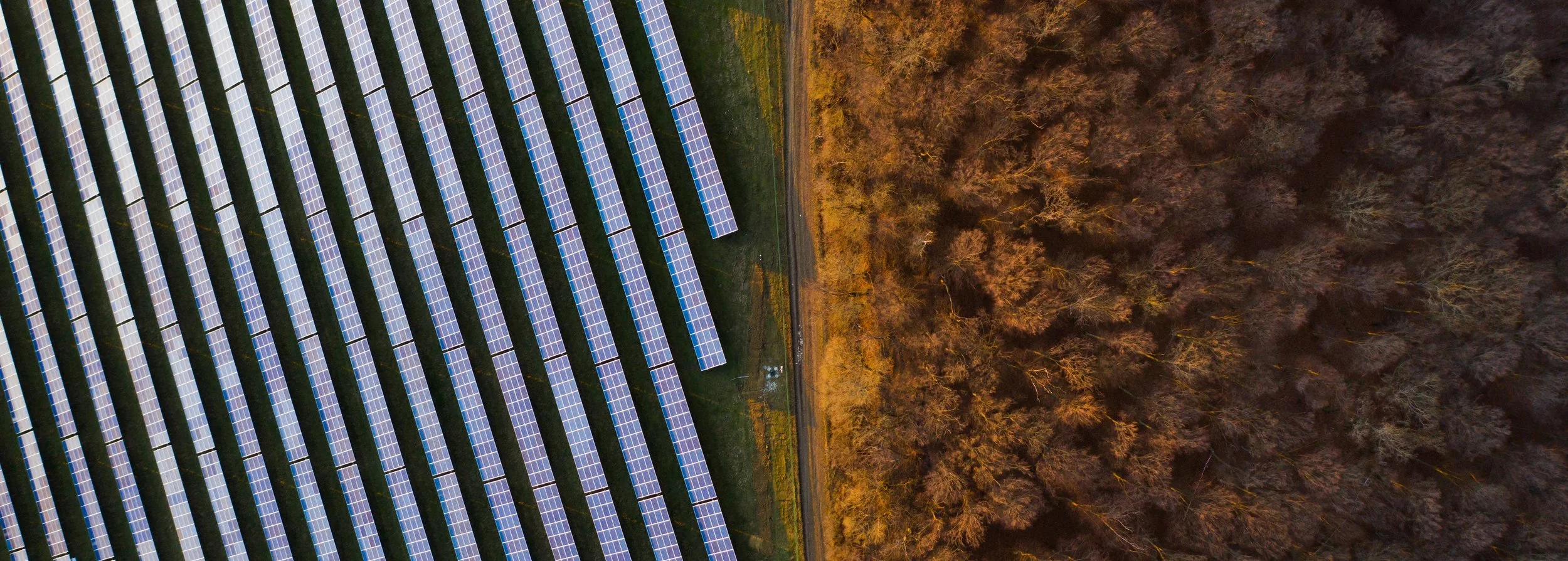
Quickly screen the area, spot slopes, access, and obstacles early, then optimise layouts without endless site visits.
Wind Energy
Plan turbine layouts on top of accurate terrain and imagery. Check access roads, visual impact, and reduce redesigns before anyone breaks ground.

Oil & Gas
Overlay pipelines, facilities, and access roads on top of up-to-date imagery and terrain. See the full corridor in context, plan safer routes, coordinate stakeholders, and cut rework.

Telecommunications
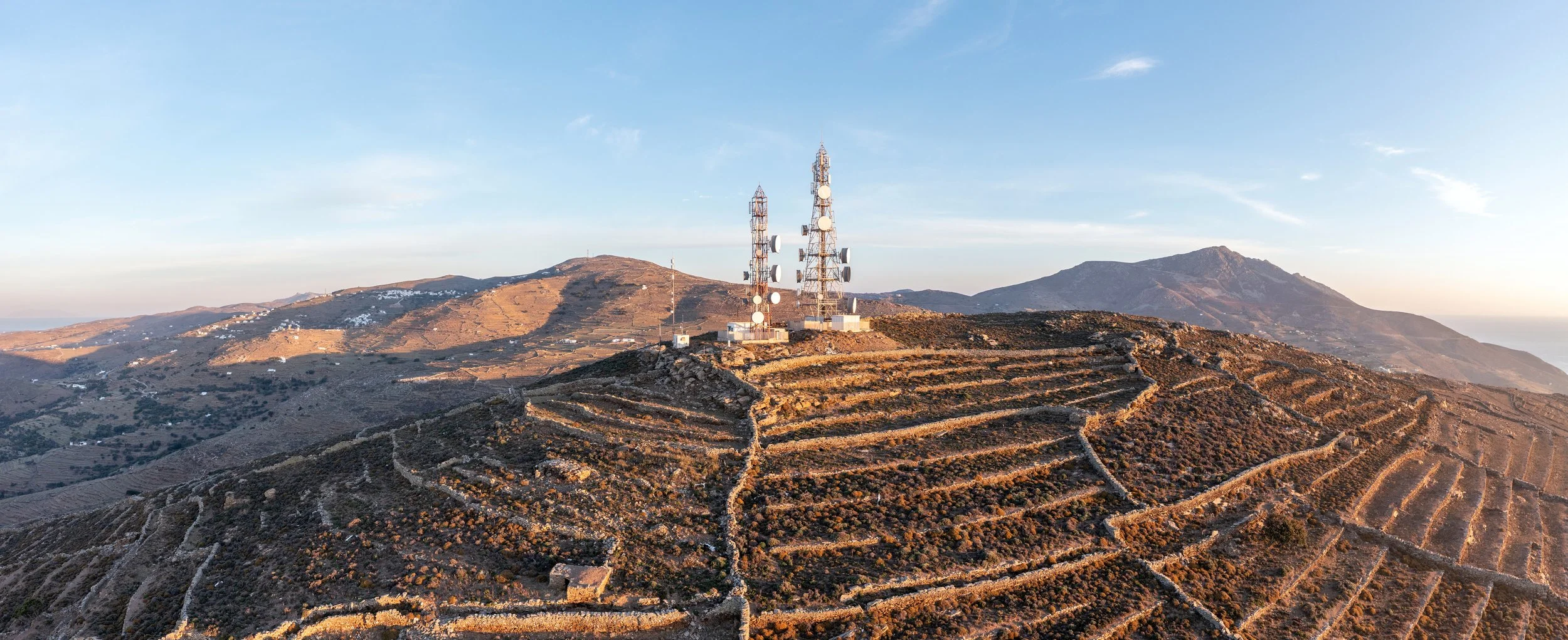
View towers, rooftops, and surroundings in realistic 2D/3D context without leaving CAD. You catch line-of-sight issues, access constraints, and conflicts early.
Utilities
Design and maintain long linear assets like power lines, pipelines, and networks on top of accurate imagery and terrain. Optimise routes and communicate plans clearly.

You might be wondering…
-
Civil, energy, telecom, and utility teams use Plex-Earth for the same core job: bringing real-world imagery and terrain into CAD so they can design with actual context instead of guesswork.
Civil: roads, bridges, grading, corridors
Energy (solar, wind, oil & gas): site selection, layouts, access roads, corridors
Telecom and utilities: tower siting, line routing, network planning
-
Most projects follow a similar pattern:
Import imagery and terrain for the site or corridor into AutoCAD, Civil 3D, or BricsCAD
Test alignments, layouts, and access routes directly on top of real-world context
Refine the design while keeping everything on the same georeferenced base
Revisit the site digitally for checks, visuals, or progress monitoring when needed
There are, of course, differences based on the size of the team, the stage of the project, etc. but the core workflow is similar.
-
Teams and professionals use Plex-Earth to do a "first pass" on feasibility before spending time and budget on detailed design or on-site visits.
For example:
Solar: check slope, orientation, access, and nearby constraints
Wind: review terrain, obstacles, and access for turbine transport and placement
Civil and utilities: compare alternative routes for roads, pipelines, and power lines
-
Plex-Earth sits on the CAD side of your workflow.
GIS teams can keep managing master datasets and analysis
Designers and engineers can pull the imagery and terrain they need directly into CAD
Less exporting, reformatting, and waiting for someone else to send updated data
-
No. It is meant to plug into what you already do.
You keep your existing layers, templates, and drafting standards
Your teams stay inside CAD instead of jumping between viewers and tools
The main change is that designs now sit on accurate imagery and terrain instead of a blank or outdated background
Make better decisions with confidence.
Sign up for a free trial of Plex-Earth and see how quickly your team can move from blank drawings to geolocated, visual designs.